FP&Ai Podcast Ep16: How to Use AI to Document a Business Process
In this episode of the FP&Ai Podcast, Roger Knocker, Anthony Wilson and Donovan Moses demonstrate how AI can be used to document a business process from scratch, using a real capacity planning process in a consulting business.
Rather than starting with an existing process map, Anthony talks through how the business manages its current workload, future demand and available consulting capacity. Together, the team identifies the steps, roles, information sources, requirements, KPIs and risks involved.
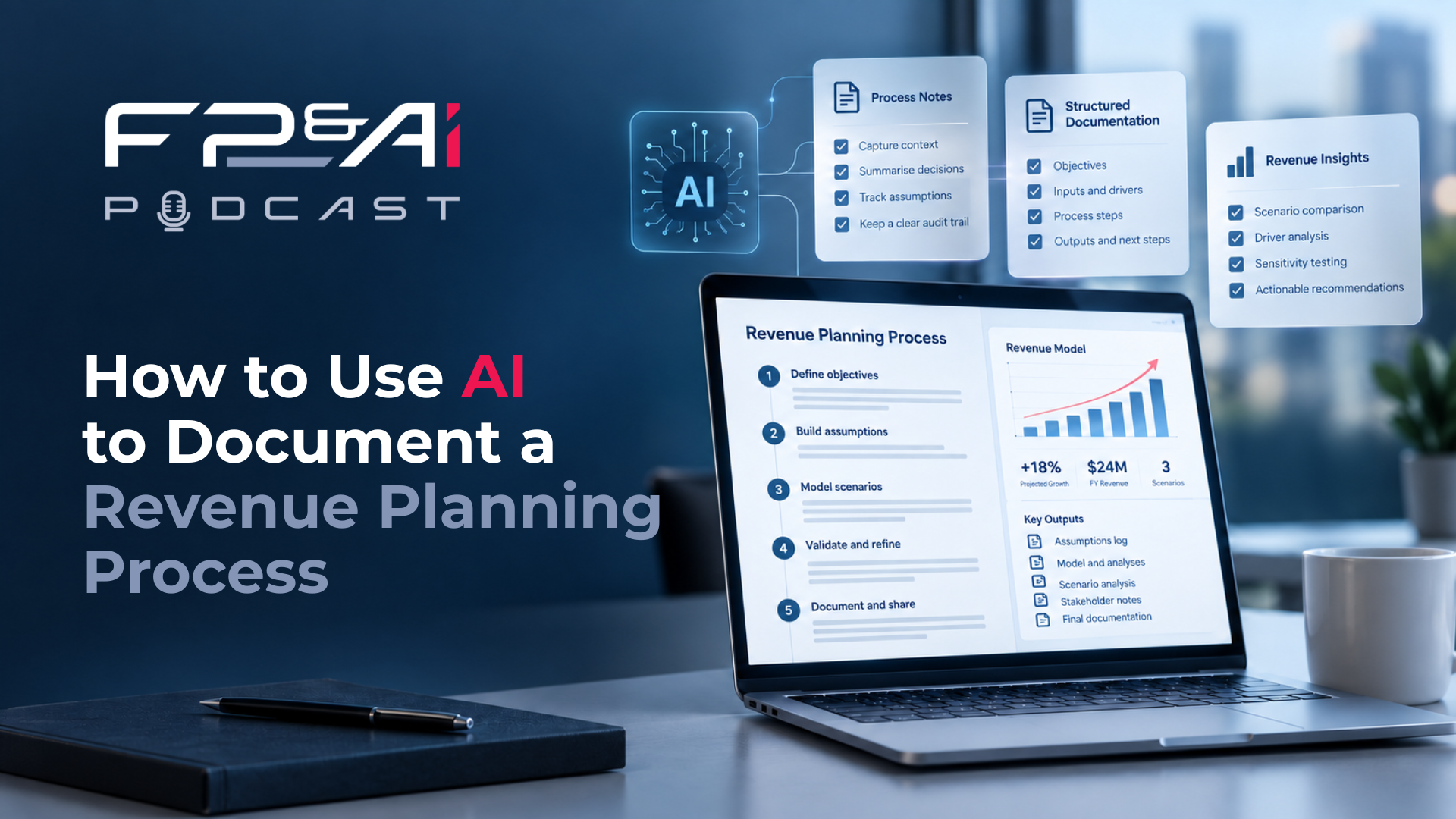
Roger uses a custom WBS AI chatbot to turn the discussion into a structured Work Breakdown Structure (WBS). The output is transferred into Smartsheet, where it can be organised, reviewed and expanded into more detailed process documentation.
This is an unscripted demonstration. The AI produces a first draft, but it also misses information along the way. The team explores what went wrong, how to improve the output and why human review remains essential.
Frequently Asked Questions
1. Can AI document a business process from a conversation?
Yes. AI can turn a structured conversation about a business process into a first draft of process documentation, including activities, roles, inputs, outputs, requirements, KPIs and risks.
In the demonstration, the team discusses a capacity planning process and uses a custom GPT to organise the information into a Work Breakdown Structure. The result provides a starting point that the business can review and refine.
2. How long does it take to document a process with AI?
A first draft can be produced in a single working session. In Episode 16, the team estimates that the process took approximately an hour.
The actual time depends on the complexity of the process, the information available and how much detail is required.
The AI can speed up the initial documentation, but the output still needs to be checked for accuracy and completeness.
3. How do you start documenting a business process?
Start by defining the scope and identifying the main stages of the process.
Roger asks Anthony to explain the five key stages of capacity planning. They then identify the people involved before unpacking the individual activities, information sources, systems, requirements and risks.
Anthony doesn't have a completed process map. He works from his notes and knowledge of how the business operates.
4. What's the difference between backlog and work in progress in capacity planning?
Backlog is work that has been agreed and planned but hasn't yet been completed. It represents work that still needs delivery capacity.
In this demonstration, work in progress refers to work already completed but not yet invoiced. The consulting capacity has already been used, even though the revenue may be recognised through invoicing at a later stage.
Understanding this distinction helps the business plan future capacity without counting work that has already been completed.
5. Why do roles and responsibilities matter in process documentation?
A process needs to show more than the activities being performed. It also needs to identify who is responsible for completing each activity and providing the information required.
Anthony identifies the Sales Manager, Operations Manager, Project Managers, Application Consultants and Application Architect as key roles in the capacity planning process.
Documenting these responsibilities makes it easier to manage the process, identify information owners and hand work over to someone else.
6. Why does capacity planning fail even with a good model?
A capacity planning model is only as reliable as the information feeding it.
Anthony explains how incomplete timesheets, outdated project plans and incorrect information can create capacity problems that the business hasn't anticipated.
The team also discusses the risks of overstated sales forecasts and integrations that fail or produce incorrect results.
Even when the calculations are correct, poor-quality information can lead to poor planning decisions.
7. What KPIs should you track for capacity planning?
The team identifies several practical measures, including forecast accuracy, overallocated and under allocated hours, billable versus non-billable time, planned hours by resource and the timely submission of planning information.
Roger also highlights the importance of understanding capacity at an individual level.
One consultant may be under allocated while another is overallocated. That doesn't necessarily mean work can be moved between them, particularly when specialist skills are required.
8. How do you turn a conversation into a Work Breakdown Structure with AI?
Start with a structured discussion covering the process steps, activities, roles, inputs, outputs, requirements, KPIs and risks.
The custom GPT uses that information to generate a Work Breakdown Structure, organising the activities into a hierarchy.
Roger then combines the output into a single table and transfers it into Smartsheet, where it can be structured, reviewed and expanded.
The resulting document can support handovers, process improvement and future system implementation.
9. Can you trust AI-generated process documentation?
AI-generated documentation can provide a useful first draft, but it shouldn't be accepted without review.
During the demonstration, the AI initially captures the KPIs but misses some of the requirements. When the team asks for more detail, the requirements improve, but the KPIs disappear.
The team has to identify what's missing and ask the AI to correct the output.
It's a practical reminder that a professional-looking document isn't necessarily complete or accurate.
10. Why should you document a process before automating it?
Before introducing automation, the business needs to understand how the existing process works.
Documenting the activities, responsibilities, systems, information flows and risks helps identify what should be improved and where automation could add value.
As Donovan explains towards the end of the episode, understanding the current, or as-is, process is the starting point for introducing automation.
Key Takeaways
- Start by defining the scope and identifying the main stages of the business process.
- Use the knowledge of the people who perform and manage the work.
- Document the activities, roles, inputs, outputs, systems, requirements, KPIs and risks.
- Understand how information moves between systems and where data accuracy could affect the outcome.
- Use AI to turn a structured conversation into a first draft Work Breakdown Structure.
- Transfer the output into Excel or Smartsheet to organise, review and expand the documentation.
- Check AI-generated documentation for missing information, even when the output looks complete.
- Refine the process documentation with the people who understand how the business operates.
- Use the agreed process as a foundation for handovers, process improvement and future automation.
🎧 Presented by
- Roger Knocker
- Anthony Wilson
- Donovan Moses
About FP&Ai
FP&Ai helps finance teams transform planning, reporting, forecasting, consolidation, analytics, automation and decision-making through modern finance technology, AI and best-practice processes.
Connect with Us
🌐 FP&Ai